
Built-in proxy
Analyzing requests is essential when learning security. Intercept a request, change it, and forward it without leaving the lab. Everything the app sends is kept in the history.
Every Uphack lab is a believable product with one real flaw buried in an ordinary feature. You find it, prove the impact, and learn why it was there.

Three labs are open without an account. Try one now
“I got the chance to preview the content and was immediately impressed by the depth of explanation. It’s rare to find material that not only shows you how security vulnerabilities work, but dives deep into why they exist and how to think about them.”

“I’ve taken many courses before, but none with this level of attention to detail. The labs build up your intuition step by step, and the explanations are incredibly thorough. It’s clear a lot of thought went into making complex security principles not just understandable, but intuitive.”

Let’s face it: getting real practice in application security is hard.
Not the challenging kind of hard, but the frustrating kind of hard.
You've probably been here. You read up on a vulnerability, solve the practice lab in ten minutes, and feel like you've got it. Then someone hands you a real application, with billing, team invites and two hundred requests in your proxy history, and you don't know where to look first.
That gap isn't your fault. Most security training platforms don't teach you to see patterns. You either get theory-heavy courses that explain vulnerabilities in isolation, or CTF challenges on toy apps that look nothing like production software. One teaches you about security. The other tests you on puzzles. Neither builds real security intuition.
Real vulnerabilities follow patterns, and they're boringly consistent. The ownership check someone forgot in a payroll product is the same one someone forgot in a marketplace. You only start to see it once you've met it a few times, in places that look nothing alike.
The security education model is broken. It rewards solving puzzles, when the job is recognizing a familiar mistake in an unfamiliar app. That's why I built Uphack.
Uphack is a hands-on lab platform where every lab is a product you could believe somebody shipped. It has customers, roles, settings pages and all the boring parts. The flaw sits in an ordinary feature, the way it would in a real codebase.
Then you meet the same mistake again somewhere else. The missing check from the real estate platform turns up in a multi-tenant SaaS app, and later in a payment flow. By the third time, you'll spot it before I point at it.
I'm not going to hand you a checklist to memorize. In every lab I explain what made me look there in the first place, and how a perfectly reasonable developer ended up writing the bug. That's the part you carry into the next app.
I still build every lab myself. If one breaks or teaches the wrong thing, write to me and I'll fix it.


Deep dives across every web attack surface
I've organized the labs around the attack surfaces you'll encounter in real applications. Each one goes deep, with multiple labs across different app contexts, so you're not just learning a vulnerability once. You're training yourself to recognize it wherever it shows up.
I don't skip over the hard parts. I break them down, explain the "why" behind each vulnerability, and help you build security intuition you can use outside Uphack.
Every lab starts as a believable product, with one realistic security flaw buried in an ordinary feature.
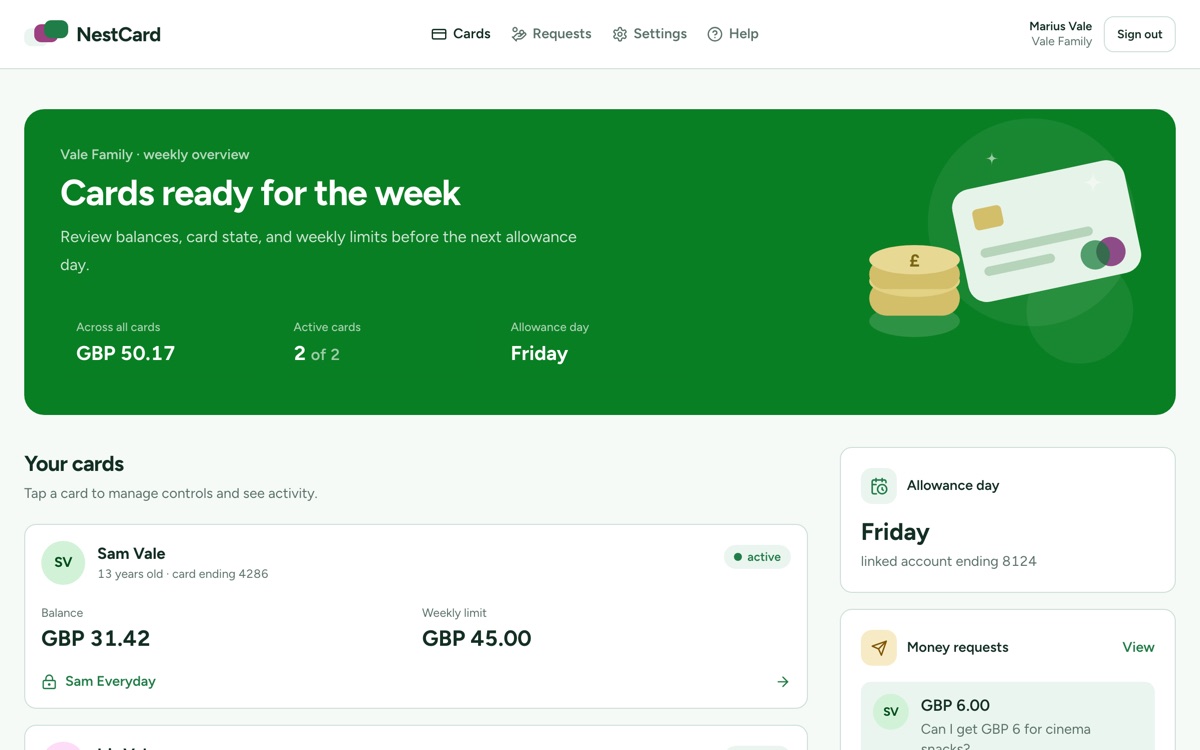
NestCardFamily debit cards
IDOR via Unverified Dependent Relationship
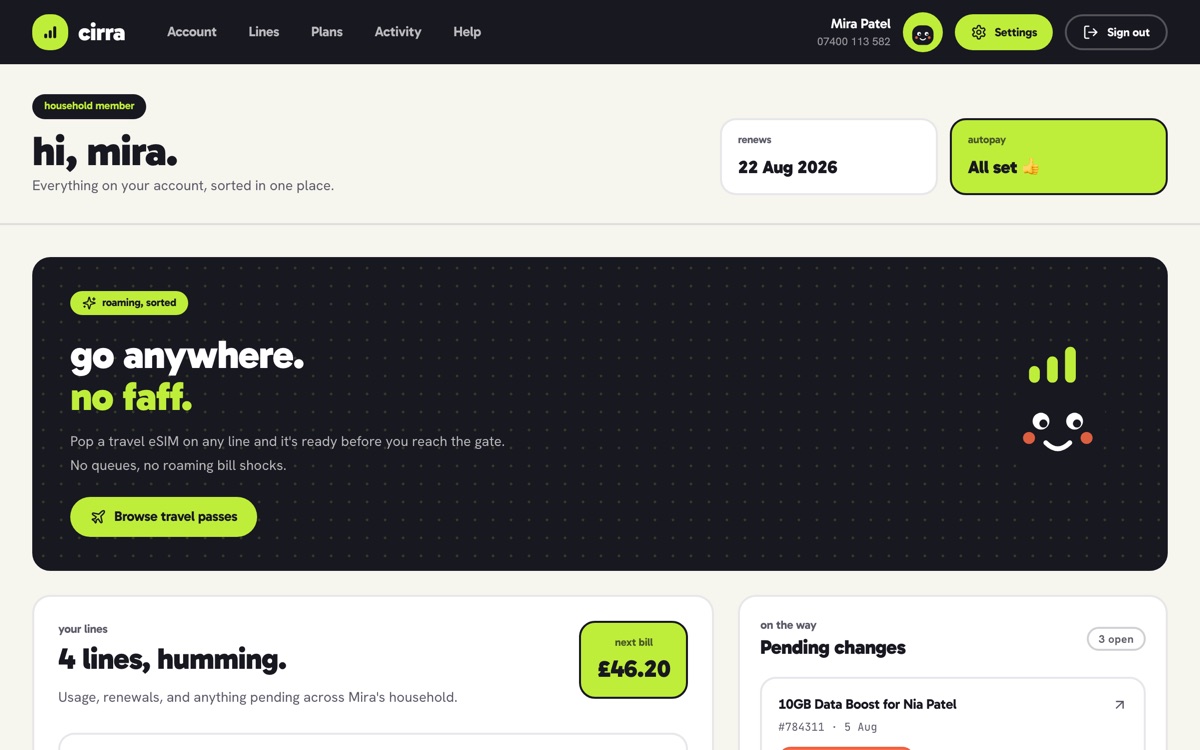
CirraMobile network
Per-Method Authorization Gap in eSIM Plan Changes
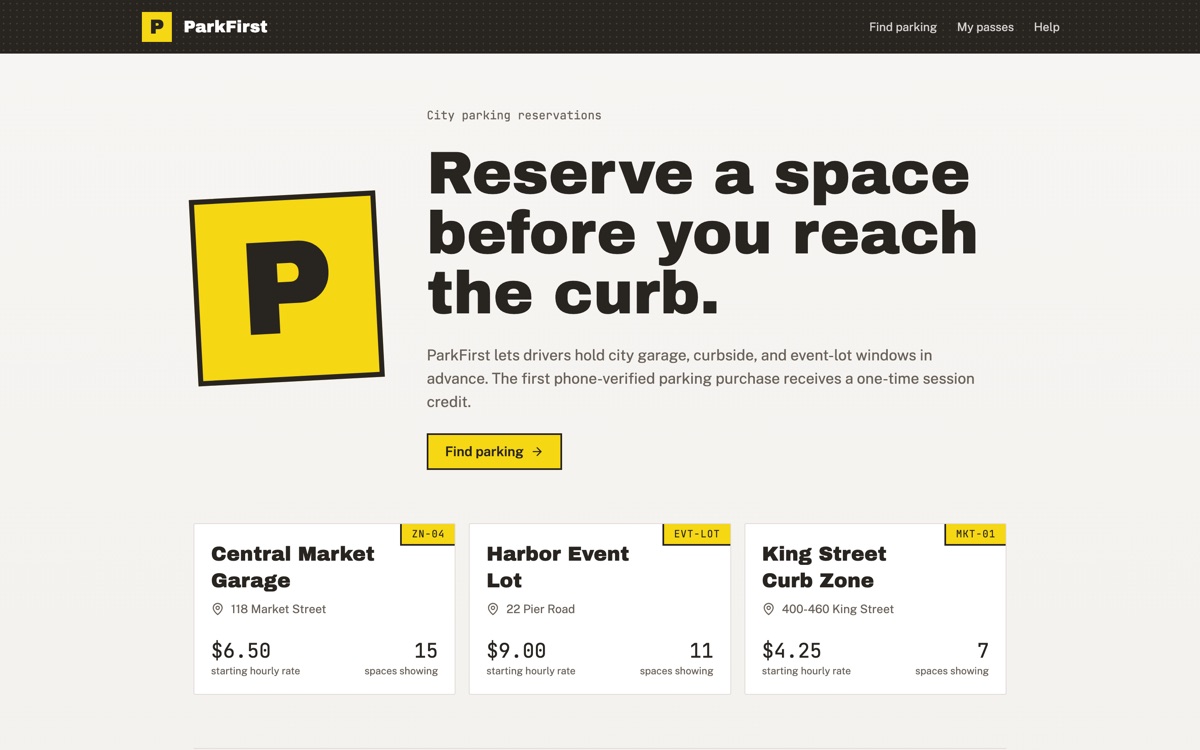
ParkFirstParking reservations
Authentication Bypass in Phone OTP Registration
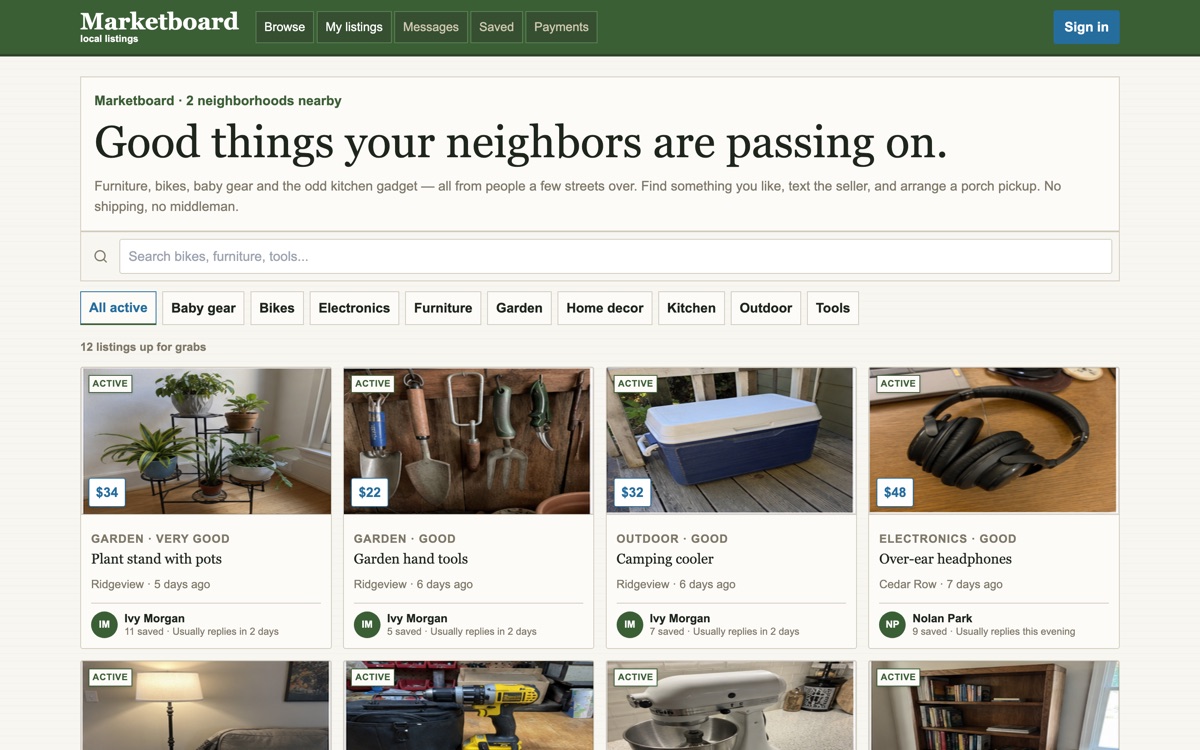
MarketboardLocal marketplace
Broken Access Control in Bulk Listing Operations
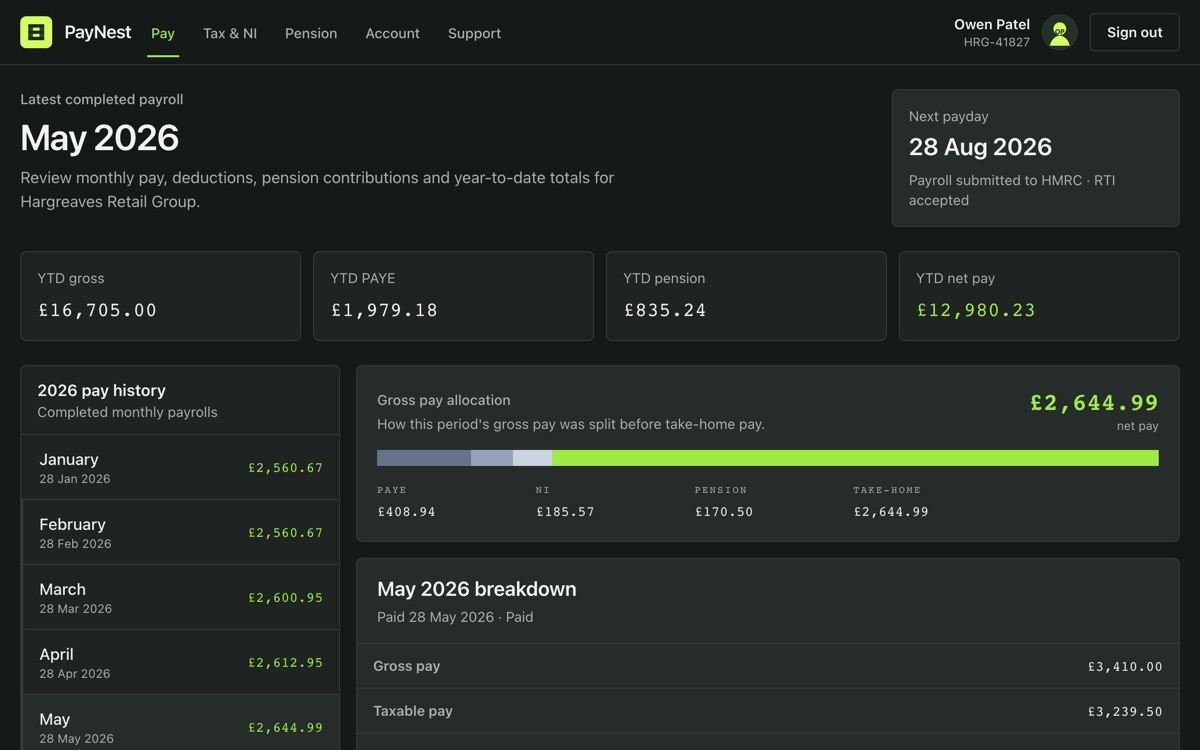
PayNestPayroll portal
Path Traversal Filter Bypass in an Image Proxy
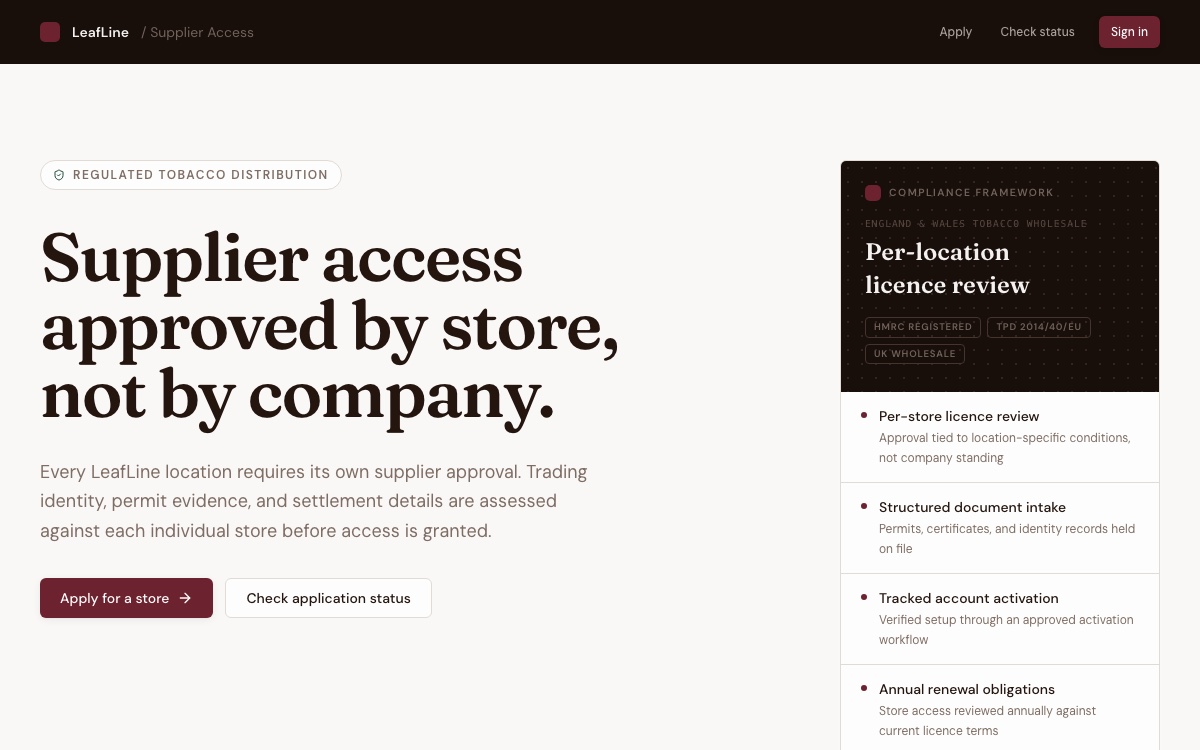
LeafLineSupplier onboarding
Account Takeover via Reusable Activation Link
Six of the 63 products in the library.
0134 labs
0224 labs
038 labs
049 labs
I'm continuously adding new labs and attack surfaces. Early-access members can explore them as they ship.
Here's what I'm working on next:
Content Security Policy
What a policy really stops, and the gaps a permissive one leaves open.
postMessage security
Windows that act on any message they receive, whoever sent it.
Prototype pollution
Changing an object that every other object inherits from.
WebSocket hijacking
A socket that authenticates with cookies and never checks the origin.
Single sign-on
What can go missing when one system hands identity to another.
Cookie security
What the cookie attributes protect against, and what they leave alone.
Now accepting early access signups
Start learning now
Request early accessEarly access is small and personal.
Every lab spins up an isolated, realistic web app, just for you. Find the vulnerability, exploit it, and understand the pattern. The app, the proxy and the guide all run in your browser, so there is nothing to install.
Analyzing requests is essential when learning security. Intercept a request, change it, and forward it without leaving the lab. Everything the app sends is kept in the history.
Each lab walks you through the investigation one step at a time, and explains why each step is worth taking.
Starting a lab launches a private copy of the product. Break it however you like, and reset it whenever you want a clean slate.
“The platform UI is brilliantly designed. It’s clean, easy to navigate, and has everything you need in one place, which honestly makes learning so smooth and enjoyable.”

Labs teach the pattern. These make it stick.
Drills
Each drill is one real request that is a single change away from an exploit. Spot the value the server shouldn't trust, change it, and send it.
Somebody else’s invoice
IDORYou’re Dana, signed in to a supplier portal. A reminder for someone else’s invoice, INV-4468, reached you by mistake.
Make this request return a record that isn’t yours.
Response
200 OK
Dana’s own invoice
What the request returns before you change anything.
Walkthroughs
You scroll through the explanation, and the important parts of the attack appear beside it: the app, the request, the code. Keep scrolling. This section is one.
01Surface
The target runs stock WordPress 7.0.1 and is affected by two core issues. CVE-2026-63030 causes route confusion in the REST batch endpoint, while CVE-2026-60137 allows a scalar value to reach a SQL injection.

03Evidence
The posts route declares author_exclude as an array of integers. WordPress validates the request against that schema, so the direct injection attempt never reaches the vulnerable query code.

05Mechanism
serve_batch_request_v1() processes the same list three times. The vulnerability appears when those passes stop referring to the same member at the same index.

Lessons
In-depth lessons on how the web works and where it breaks, from URLs and cookies to the same-origin policy and injection.
Interactive exercises
45+ exercises sit inside the lessons, each one where its idea is introduced. Pick the parts out of a URL, shift a cipher by hand, run a command, and see the result on the spot.
Can’t find the answer you’re looking for? Email me at [email protected] and I'll get back to you.
Early access is intentionally small and personal. Start by entering your email and confirming it from your inbox. I'll then contact you to learn about your role, application-security experience, and what you want to practice. If Uphack fits what you're looking for, I'll send you an invitation to create your account and recommend a first lab.
Once you're in, you'll have access to the lab library, lessons, interactive exercises, and new labs as they ship. In return, I ask for candid feedback about what works, what doesn't, and what I should improve next.
I'm keeping the early group intentionally small because I want to know who is using Uphack and learn from their experience. The personal introduction helps me recommend a useful first lab, understand the feedback in context, and improve the platform based on real use rather than assumptions.
Yes. Two of the CVE teardowns are open to everyone, walkthrough included, and they give you the clearest sense of what the labs are actually like:
Both are advanced and run about 40 to 45 minutes. If you'd rather start somewhere gentler, more of the catalog is open without an account: see all labs. The drills are open too, and take about two minutes each.
Uphack is built for anyone who works with application security and wants to get sharper through hands-on practice. Here's who benefits the most:
The platform starts with foundational concepts but goes deep. If you've never touched security before, you'll be able to follow along. If you've been in the field for years, you'll still find patterns and scenarios that sharpen your thinking.
Hands-on labs are the core. Each one drops you into a realistic, production-quality web application where you find and exploit a vulnerability with step-by-step guidance and a built-in proxy. Around the labs there are drills (one request, about two minutes), written walkthroughs of whole bugs, and in-depth text lessons with interactive exercises that reinforce key concepts as you go.
No. Everything runs in your browser: the vulnerable applications, the proxy, the guide. Each lab spins up an isolated environment just for you. No VMs, no VPNs, no local setup. Labs need a desktop browser, while drills and walkthroughs also work on a phone.
Both are excellent platforms. PortSwigger Academy is a fantastic resource for learning individual vulnerability types, and Hack The Box is great for testing your skills in CTF-style challenges. They complement Uphack well.
Uphack focuses on something different: building pattern recognition through realistic, production-quality applications with step-by-step guidance. I design the labs to look and feel like software you'd encounter in the field, and to teach you how to reason about vulnerabilities across different contexts, not just how to exploit a specific one. Think of it as the space between learning a vulnerability category and confidently spotting it in a real engagement.
I'm currently focused on individual early-access learners. If several people on your team want to participate and provide feedback, email me at [email protected] and tell me what you're hoping to practice.


